A black or frozen canvas in Crazy Cattle 3D almost always means one of four things: the browser has no WebGL2 support, hardware acceleration is off, the Godot build is still compiling its first-load files, or an extension is blocking the game's cross-origin assets. The page itself is usually fine — the loader sits on “Compiling Godot 4 arena physics”, which is a real compile step, not a decoration.
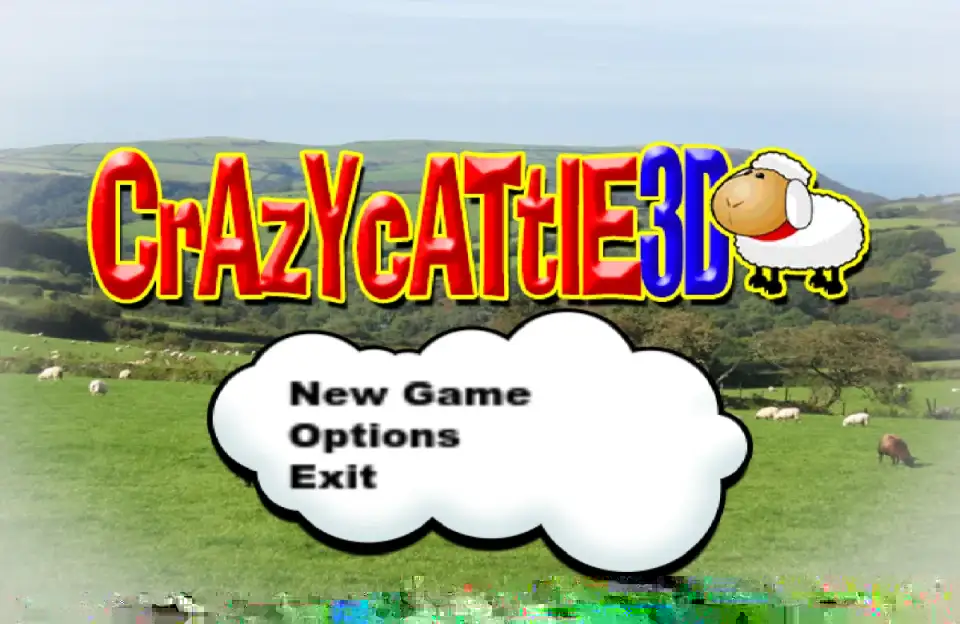
Try the browser build on the homepage in a fresh tab first, then work through the checks below in order.
1. Click inside the arena
After the loader disappears, the canvas needs keyboard focus. Click once on the grass, not on the share bar or a comment box. If W A S D did nothing but the scene is rendering, this is the whole problem — keyboard focus was on another element or another tab.
2. Check WebGL2 and hardware acceleration
The build is a single-threaded WebGL release and needs WebGL2. Confirm it quickly:
- Open
chrome://gpu(oredge://gpu) and look for WebGL2: Hardware accelerated. - If it says software only or disabled, open Settings → System and turn on Use graphics acceleration when available, then restart the browser.
- On Firefox, check
about:support→ Graphics for WebGL2 and hardware acceleration status.
On machines with several GPUs — laptops with integrated and discrete chips, or older dual-GPU drivers — force the browser onto the high-performance GPU. On Windows that is Settings → Display → Graphics → your browser → High performance.
3. Give the first load time
A cold load downloads the engine .wasm and the game data pack, then compiles. On a slow connection or an older CPU this can take 20–60 seconds with a static cover image visible. Do not reload during the compile: each reload restarts it. A hard refresh (Ctrl+Shift+R / Cmd+Shift+R) is worth one try because it discards a partially cached engine file.
4. Rules out extensions and site blockers
Ad blockers, privacy extensions, and school or office content filters sometimes block the game's WebGL assets or its iframe. Test in a private window with extensions disabled. Chromebooks on managed school accounts are the most common case here, and the honest answer is that a managed profile often cannot enable the switching needed — try a personal profile or a different device.
5. Clear the site's local data if the menu never appears
The build stores unlocks in local storage. A corrupted or partially written save can leave the game hanging at the menu. Clearing site data for this domain resets progress but usually restores the game. If you want to keep progress, export nothing first — there is no export feature — and accept the reset.
Common error messages
- “WebGL context lost” — the GPU driver dropped the context, typically after sleep or a tab switch. Reload the page.
- Out of memory on mobile — phone browsers cap memory per tab. Desktop browsers do not have the same ceiling.
- Audio plays but the screen is black — a compositing issue; disable hardware acceleration to test, then re-enable it and update the GPU driver.
FAQ
Why is Crazy Cattle 3D stuck on the loading screen?
The Godot engine files are still downloading or compiling. First loads take 20–60 seconds on slower machines. Reloading restarts the compile, so let it finish once.
Does Crazy Cattle 3D work on Chromebooks?
It can, in a personal profile with hardware acceleration enabled and WebGL2 available. Managed school accounts often block the needed WebGL features.
Why does the game not respond to my keyboard?
Click once inside the game canvas. Focus stays on whatever you clicked last — a share button, a comment box, or another tab.
Which browsers work best?
Current Chrome and Edge on desktop are the most reliable. Firefox works with hardware acceleration on. Safari renders it but is the most likely to drop the WebGL context.