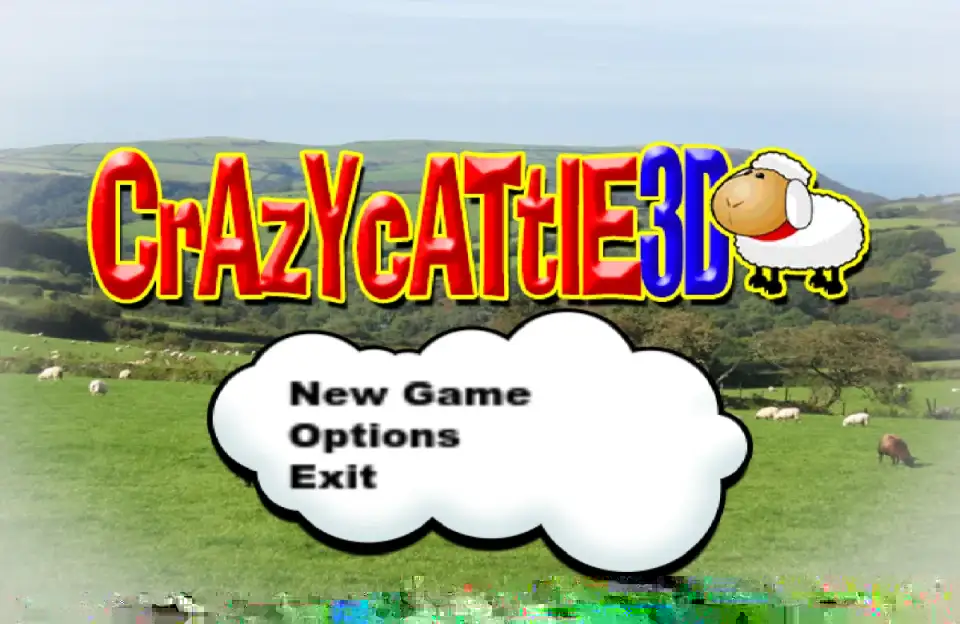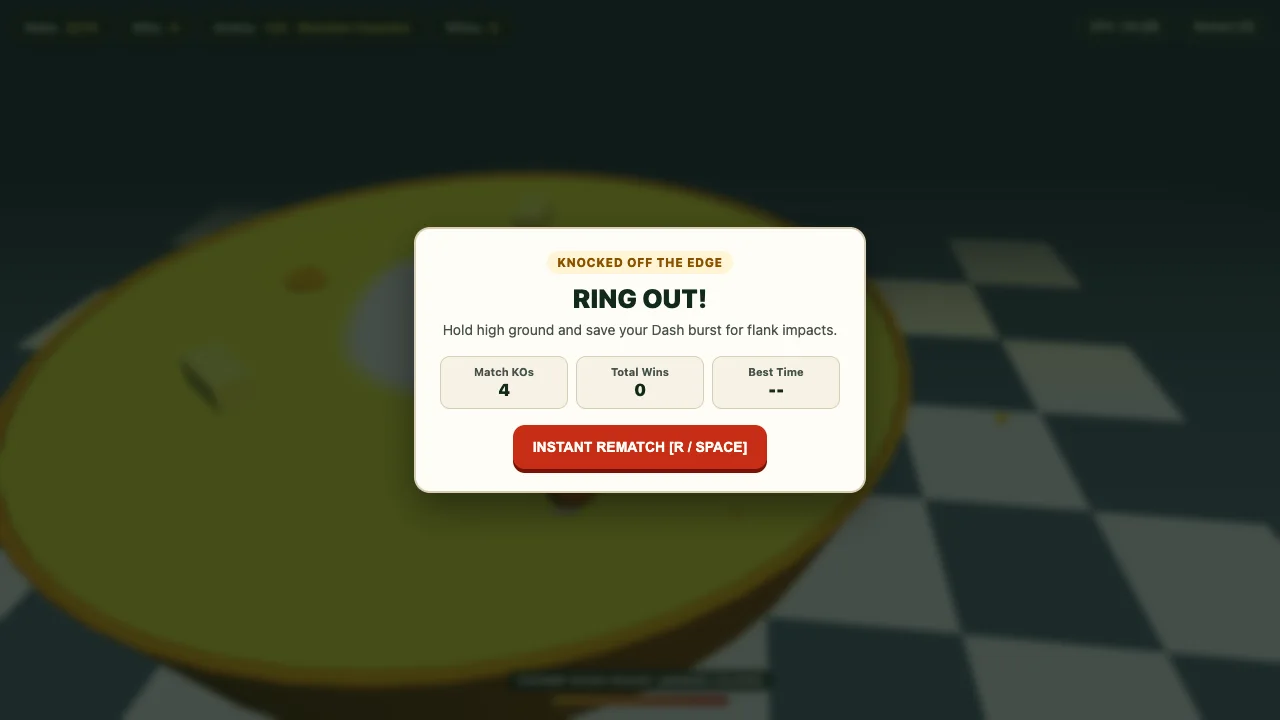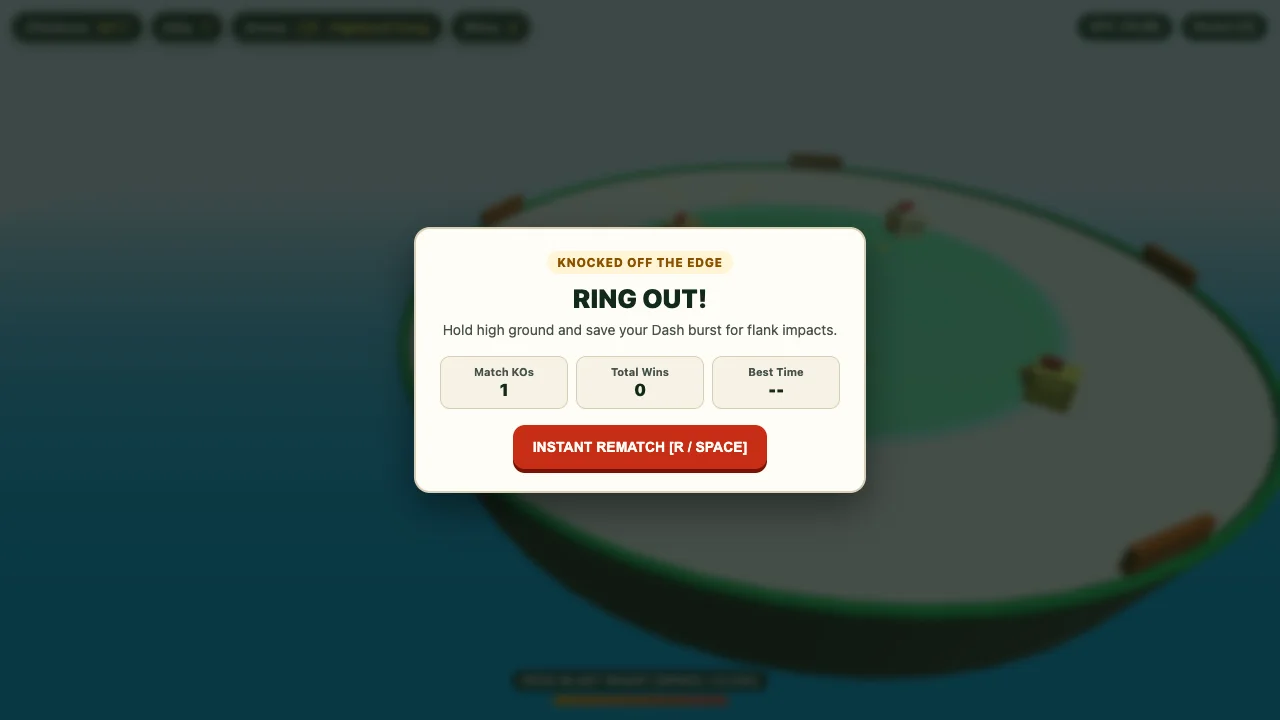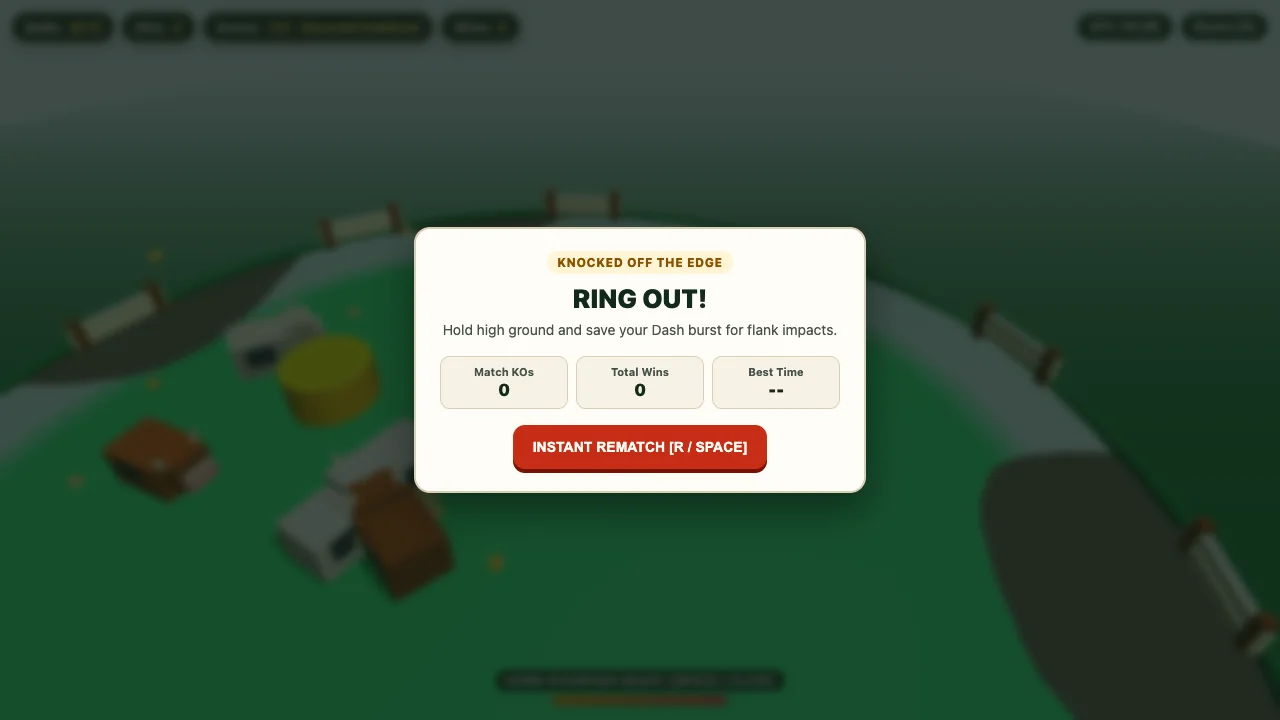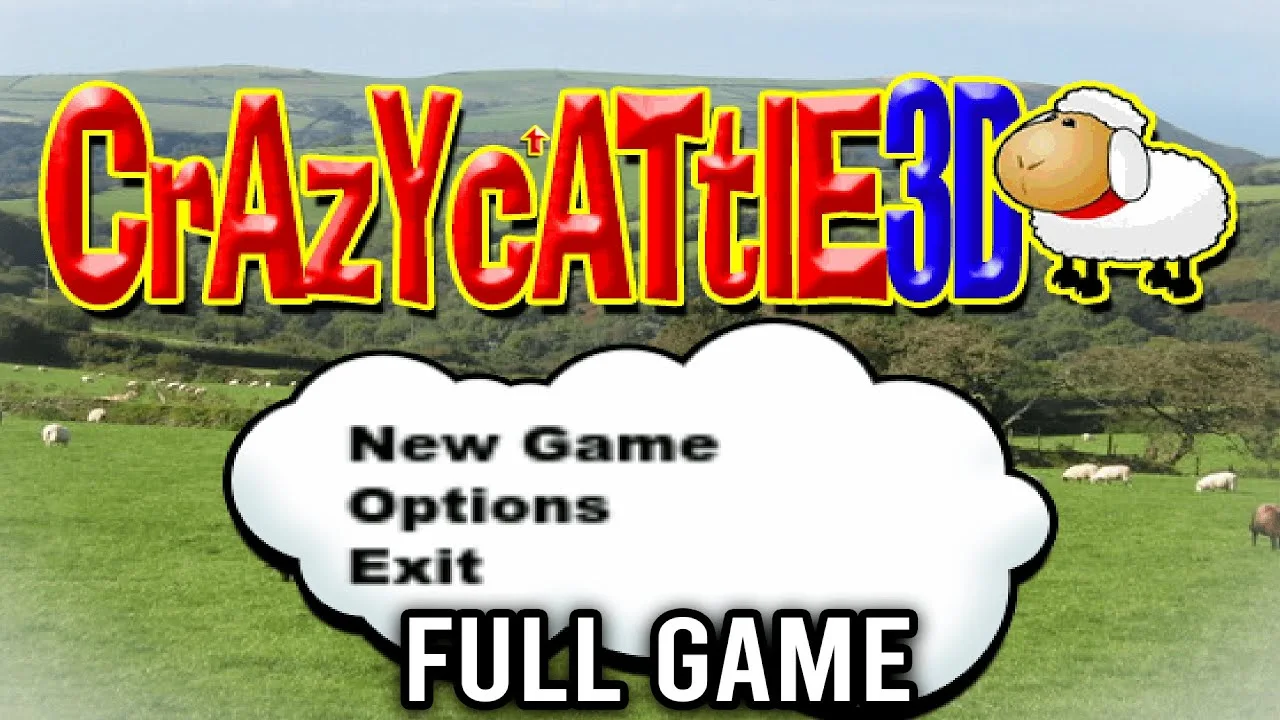
If you searched for Crazy Cattle 3D unblocked, you want the shortest, cleanest path into a round: open a single browser tab, skip shady installer pop-ups, and start knocking rival sheep off Ireland's green cliffs before the bell rings.
Launch Crazy Cattle 3D on the Main Stage right now, or open the dedicated Controls & Maps Arena Page for fullscreen browser play. Need an arena that boots in under 1 second on older 4 GB RAM school Chromebooks? Jump straight into our Three.js 60 FPS sibling stages: Cheese Chompers 3D, Crazy Chicken 3D, and Crazy Cow 3D.
What “Unblocked” Actually Means for Browser WebGL Games
On browser game portals, unblocked means the game executes natively inside standard HTTPS HTML5/WebGL canvas memory without requiring .exe installers, Steam logins, Android APKs, or third-party game-store launchers that restricted devices block by default.
However, school and library Wi-Fi networks vary in how they filter traffic:
- Self-Contained Domain Hosting Matters: Many fan mirrors embed iframes pointing to raw
itch.zone,github.io, or ad-heavy portal subdomains. Even when the article loads, the inner game frame shows a gray sad-face icon because the firewall blocks the third-party iframe host. Oncrazycattle-3d.info, our Three.js knockout arenas run directly inside the page DOM with zero cross-domain iframe chains. - First-Load WASM Compilation vs. Frozen Tabs: The flagship Godot 4 build compiles WebGL2 shaders on its initial visit. On an Intel Celeron or MediaTek Chromebook, that dark loading bar legitimately takes 10 to 25 seconds. Refreshing impatiently at second eight restarts compilation from scratch.
School Chromebook WebGL2 & FPS Checklist
If the stage stutters or shows a dark canvas on ChromeOS, run these four quick checks before giving up:
| Symptom on Chromebook | Root Cause | 20-Second Browser Fix |
|---|---|---|
| Black box after clicking Play | WebGL2 hardware acceleration toggled off | Visit chrome://gpu to verify WebGL2: Hardware accelerated; see our Black Screen Fix Guide. |
| Keyboard keys stop steering | Canvas lost focus after clicking volume or fullscreen | Click once directly on the grass inside the game frame so keyboard events lock back onto the stage. |
| ** choppy 25 FPS in 10-sheep pileups** | Background Docs/YouTube tabs eating shared GPU memory | Close inactive video tabs and exit split-screen overview so Chrome gives WebGL full frame budget. |
| Godot 4 WASM blocked by strict policy | Managed device restricts large WebAssembly threads | Switch immediately to Cheese Chompers 3D or Crazy Cow 3D, which use lightweight standard JavaScript + WebGL1/2. |
Trackpad-Only Controls: Winning Without an External Mouse
Playing on a classroom desk rarely leaves room for a wired mouse, and trying to left-click a laptop trackpad while dragging the camera simultaneously causes accidental palm rejections on ChromeOS. Use this two-hand laptop layout instead:
- Bind Your Thumb to Spacebar for Every Slam: Never click the trackpad to attack. Spacebar triggers the exact same forward burst slam in both Crazy Cattle 3D and all three sibling 3D knockout games, freeing your right index finger exclusively for gentle camera sweeps.
- Pre-Aim Camera Before Downhill Sprints: Sweep the camera while climbing the central hill in Ireland or Egypt, lock your nose onto a cluster near a fence gap, and keep your right hand still during the final two-second charge.
- Use R for Instant Round Resets: Tapping R restarts a botched Sweden ice slide in milliseconds without touching the browser reload button or re-downloading assets.
Why Browser Play Beats Random “Unblocked” Extensions & ZIPs
Whenever a game goes viral on TikTok and YouTube, dozens of copycat repositories advertise "Crazy Cattle 3D Unblocked Chrome Extension" or "Portable School ZIP." Avoid installing browser extensions from unverified publishers—extensions often request permission to read browsing data across every tab. Stick to zero-permission browser tabs, and check our GitHub & Download Safety Notes if you ever want Anna Mayberry's authentic desktop release at home.
FAQ
Where can I play Crazy Cattle 3D unblocked without downloading files?
Open the homepage stage on crazycattle-3d.info or jump directly to /games/crazy-cattle-3d. Both run the playable WebGL build in your browser with fullscreen support and zero executable installers.
Why does Crazy Cattle 3D take 15 seconds on its first Chromebook load?
Anna Mayberry built Crazy Cattle 3D in Godot 4, which compiles WebAssembly shaders on the first boot. Wait 10 to 25 seconds without refreshing; if you only have two minutes between classes, launch Cheese Chompers 3D or Crazy Chicken 3D for 1-second Three.js startup.
How do I play Crazy Cattle 3D on a school laptop trackpad without a mouse?
Use W A S D with your left hand to steer, press Spacebar with your thumb to trigger burst slams instead of left-clicking, and sweep one finger lightly across the trackpad between charges to rotate the camera.
Is a Crazy Cattle 3D Unblocked Chrome Extension or APK safe to install?
Treat random browser extensions and APK installers with extreme caution. Unofficial extensions often inject unwanted adware redirects, whereas playing on a standard HTTPS web page requires zero elevated permissions.